Mates Studio Commander Editor
Introduction
Mates Studio's Commander is the simplest among all the environments. Providing a simple user interface for simply adding predesigned pages to the project, it allows project development to finish within seconds. It also provides a quick discussion of each page added and all the widgets it contains making it a perfect choice for those who are just starting with BBM products.
Commander environment offers two main parts, a project editor and a host simulator. This manual will focus on the project editor including how to add built-in and custom pages and checking a short documentation for the page.
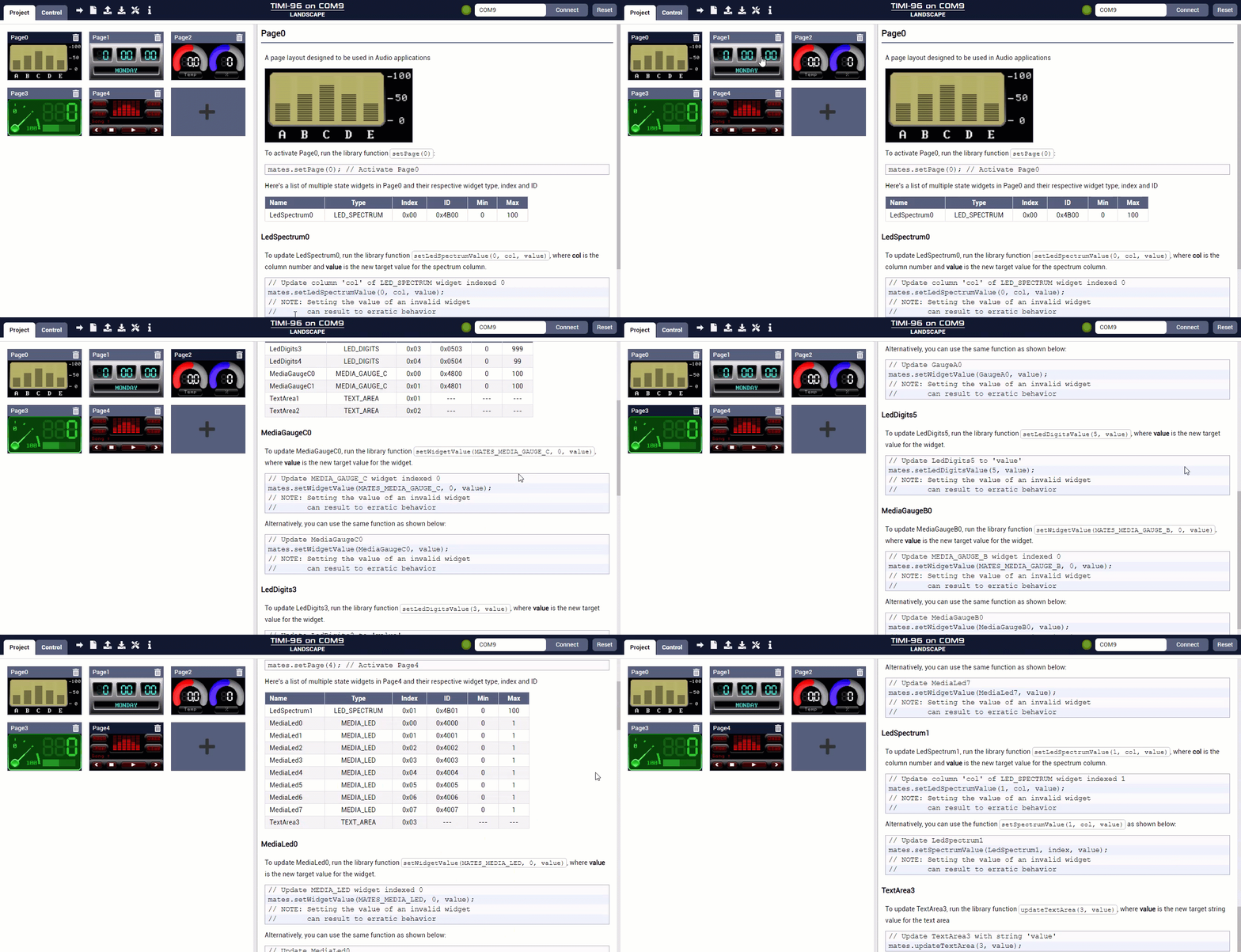
User Interface
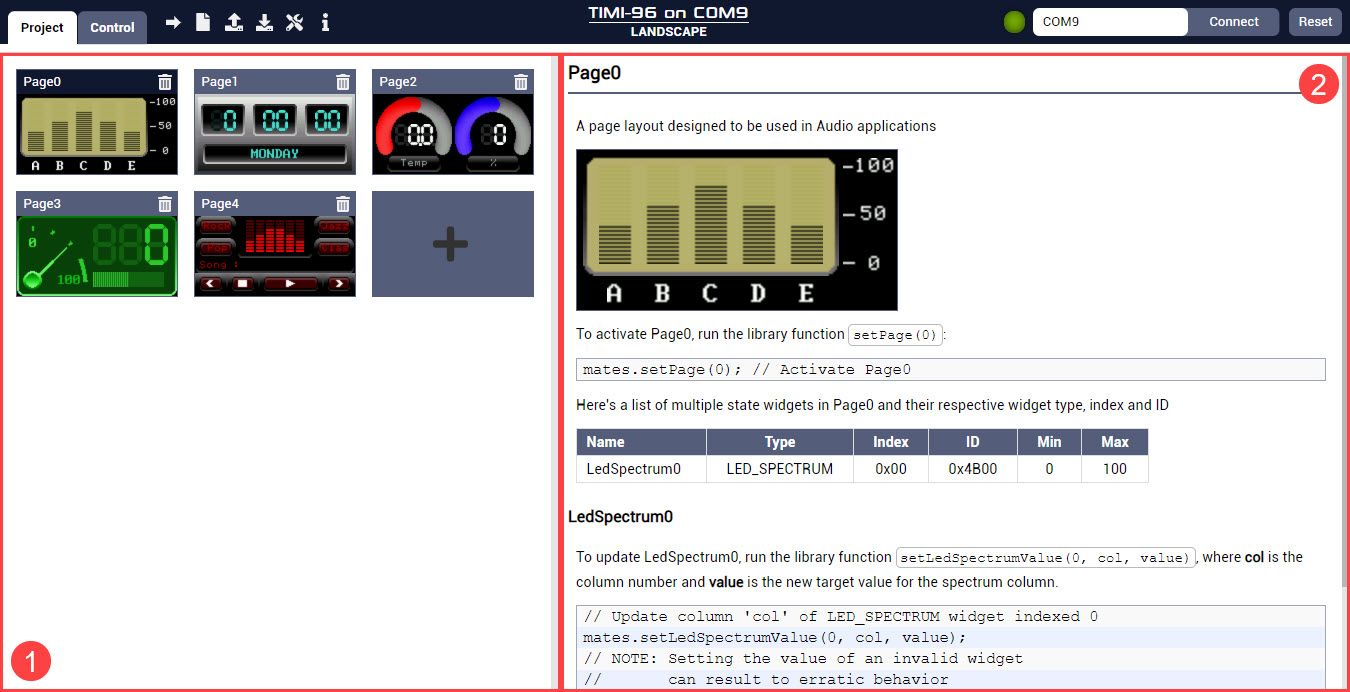
The Commander Editor can be divided into two separate columns.
-
- Project Editor
-
This provides a simple way to add or remove pages to the project
-
- Page Discussion
-
This area displays a short summary discussion for all the widgets present in the selected page